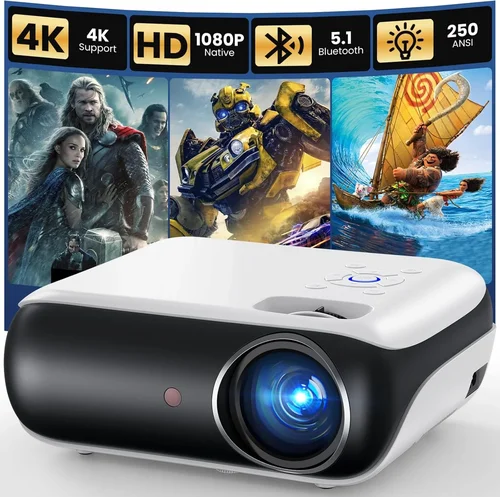
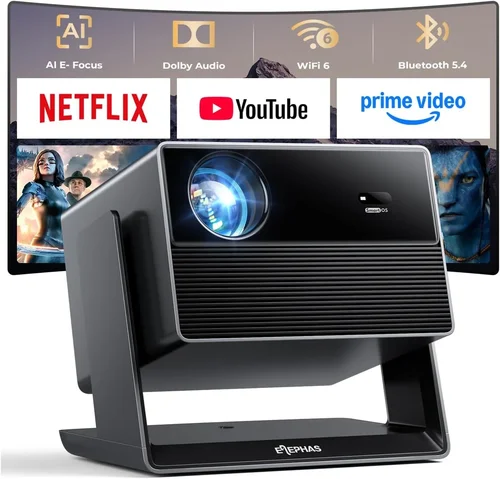
Welcome to the most thorough guide you’ll find on picking the perfect projector for a home‑theater experience in 2026. Whether you’re turning a spare bedroom into a cinema, upgrading a dedicated media room, or simply want a larger‑than‑life screen for movie nights, the right projector can make all the difference. This guide cuts through the jargon, explains the technology in plain language, and equips you with the knowledge to make a confident purchase.
In the pages that follow you’ll learn how to match your budget to performance, decode specifications like lumens and contrast ratio, and avoid common pitfalls that trip up even seasoned buyers. We’ll also compare the main projector families, break down price tiers, and share insider tips on where and when to snag the best deals. By the end, you’ll have a clear roadmap to the best projector for your home theater, no matter the size of your room or the depth of your pocket.
The home‑theater projector market has evolved dramatically over the past few years. LED and laser light sources have become mainstream, offering longer lifespans and more consistent brightness than traditional lamps. At the same time, 4K UHD and HDR support are no longer exclusive to high‑end models; many mid‑range units now deliver stunning detail and vibrant colors. With these advances, the choices can feel overwhelming—hence this guide.

What to Look for When Buying Buying Guide
1. Budget & Price Range
The first decision point is how much you’re willing to invest. Projectors span from under $300 for basic models to over $10,000 for premium cinema‑grade machines. Setting a realistic budget early prevents you from falling in love with a spec sheet that’s out of reach. Remember that the projector is only part of the total cost; you’ll also need a screen (or a suitable wall), mounting hardware, cables, and possibly a separate sound system.
2. Performance Specifications
Performance is defined by three core specs: brightness (measured in ANSI lumens), contrast ratio, and resolution. Brightness determines how well the image will hold up in ambient light—aim for at least 2,000 lumens in a dimly lit room and 3,000 lumens or more if you can’t fully blackout the space. Contrast ratio affects how deep the blacks appear; a ratio of 10,000:1 or higher is ideal for cinematic depth. Finally, resolution should match your source material; 1080p (Full HD) is the baseline, while 4K UHD (3840×2160) offers four times the pixel count for sharper images, especially on larger screens.
3. Light Source Technology
Three main light sources dominate the market: traditional UHP lamps, LEDs, and lasers. Lamps are cheap upfront but need replacement every 2,000–5,000 hours and can dim over time. LEDs and lasers have longer lifespans (20,000–30,000 hours) and maintain consistent brightness, though they often come at a higher initial cost. Laser phosphor hybrids are becoming popular for their excellent color gamut and smooth dimming capabilities.
4. Build Quality & Durability
A projector that feels solid and has good heat management will last longer. Look for metal chassis, quality fan designs, and reputable cooling solutions. Check if the unit offers easy access to filters (if applicable) and whether the manufacturer provides clear guidelines for maintenance.
5. Features & Functionality
Modern projectors are packed with smart features. Consider built‑in Wi‑Fi or Bluetooth for streaming, Android TV or Roku integration, HDMI 2.1 ports for high‑refresh‑rate gaming, and lens shift or keystone correction for flexible installation. Some units also support edge‑blending for multi‑projector setups, though that’s usually overkill for most home theaters.
6. Brand Reputation
Brands with a long history in home‑theater optics—such as Epson, BenQ, Optoma, Sony, and LG—often provide more reliable firmware updates and better customer service. Newer entrants can offer innovative tech, but verify their track record for durability and support before committing.
7. Warranty & Support
Projectors are a significant investment, so a solid warranty is essential. Look for at least a 2‑year coverage that includes parts and labor, and verify whether the lamp (if applicable) is covered separately. Some manufacturers also offer extended service plans for an additional fee.
8. Size & Portability (if applicable)
If you plan to move the projector between rooms or take it to a friend’s house, size and weight matter. Pico projectors are ultra‑compact but limited in brightness, while short‑throw models can sit close to the screen and reduce shadows.
Different Types of Buying Guide

Common Buying Mistakes to Avoid
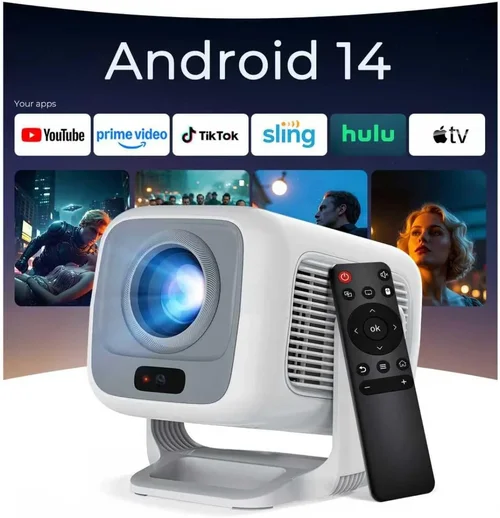
❌ Mistake: Ignoring Ambient Light
Why it’s bad: A projector rated at 2,500 lumens may look brilliant in a dark home theater, but the same unit will appear washed out in a room with windows or ceiling lights.
What to do instead: Measure the typical light level of your intended space. If you cannot achieve near‑total darkness, aim for 3,000 lumens or higher, or consider a high‑gain screen to boost perceived brightness.
❌ Mistake: Over‑Focusing on Resolution Alone
Why it’s bad: Buying a 4K projector with low brightness and poor contrast can result in a dim, flat picture that defeats the purpose of higher resolution.
What to do instead: Balance resolution with lumens, contrast, and color performance. For most home theaters, a bright 1080p unit may outperform a dim 4K model.
❌ Mistake: Forgetting Throw Distance Calculations
Why it’s bad: Purchasing a long‑throw projector for a small room forces you to place it far from the screen, creating a cramped layout and unwanted shadows.
What to do instead: Use the manufacturer’s throw‑ratio chart to determine the ideal distance for your desired screen size, then match that to your room dimensions.
❌ Mistake: Skipping Lens Shift & Keystone
Why it’s bad: Relying solely on digital keystone correction can degrade image quality and limit screen size.
What to do instead: Choose a projector with optical lens shift for precise vertical/horizontal alignment, and use keystone only for minor adjustments.
❌ Mistake: Overlooking Input Lag for Gaming
Why it’s bad: A projector with high input lag (>30 ms) will feel sluggish when playing fast‑paced games, ruining the experience.
What to do instead: Look for a “Game Mode” or a projector that advertises low input lag (≤16 ms) if you plan to game regularly.
❌ Mistake: Assuming All Screens Are Equal
Why it’s bad: A cheap matte white wall will reflect ambient light and reduce contrast, especially in brighter rooms.
What to do instead: Invest in a proper projector screen with a gain suited to your lighting conditions—high‑gain for bright rooms, low‑gain (or gray) for darker environments.
❌ Mistake: Ignoring Future Content Formats
Why it’s bad: Buying a projector that only supports 1080p may limit you as 4K streaming becomes the norm.
What to do instead: Consider a model with native 4K or at least 4K upscaling capability to future‑proof your setup.
Budget Guidelines: How Much Should You Spend?
- Entry‑Level ($150‑$800): Ideal for casual movie nights or portable use. Expect 1080p support, 1,500‑2,500 lumens, and LED or lamp light sources. Example: A basic LED pico projector with built‑in speakers.
- Mid‑Range ($800‑$2,500): The sweet spot for most home‑theater enthusiasts. Look for 1080p or true 4K upscaling, 2,500‑3,500 lumens, decent contrast (10,000:1+), and flexible connectivity (HDMI 2.0, USB‑C).
- Premium ($2,500‑$6,000): Offers true 4K UHD, laser light engines, high dynamic range (HDR10/HDR10+), and advanced features like lens shift, dual‑laser, and excellent color gamuts (Rec. 709/2020).
- Luxury ($6,000+): Cinema‑grade performance with 4K laser, 4,000‑5,000 lumens, contrast ratios exceeding 100,000:1, and premium build quality. Targeted at audiophiles and dedicated home‑theater rooms.
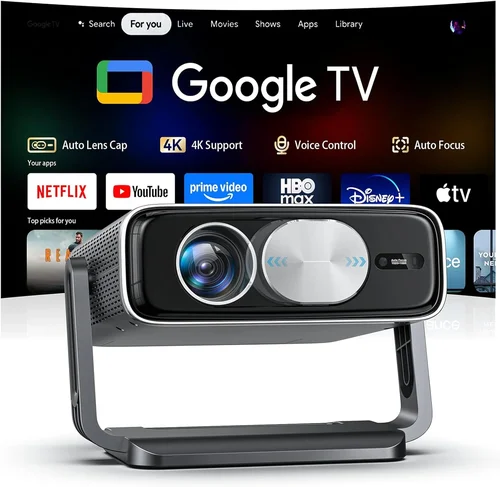
Expert Tips for Getting the Best Deal
- Timing: Major sales events—Black Friday, Cyber Monday, and Amazon Prime Day—often feature deep discounts on projectors. Additionally, manufacturers release new models in early spring, making the previous generation price‑drop.
- Where to Buy: Authorized retailers (Best Buy, B&H, Adorama) guarantee genuine warranties. Online marketplaces can be cheaper but verify the seller’s reputation and return policy.
- Bundle Savings: Look for bundles that include a screen, mounting kit, or extra lamp. These can provide up to 20% overall savings.
- Refurbished Units: Certified refurbished projectors from the manufacturer’s outlet often come with full warranties at 15‑30% less than new units.
- Check Firmware Updates: A projector that receives regular firmware upgrades will stay compatible with new streaming standards and improve performance over time.
- Warranty Extensions: If you plan to keep the projector for several years, a three‑year extended warranty can be a smart investment, especially for lamp‑based models.
- Test Before You Commit: If possible, view a demo in a store using the same screen material you plan to buy. Pay attention to black levels, color saturation, and any rainbow effect (common in DLP units).
- Return Policy: Ensure a minimum 30‑day return window. This gives you time to set up the projector in your home environment and verify performance.

Frequently Asked Questions
Q: Do I need a separate sound system?
A: Most projectors have modest built‑in speakers that are fine for casual viewing, but for true cinema immersion you’ll want a dedicated surround‑sound system or a soundbar. Audio quality is rarely a projector’s strong suit.
Q: Can I use a projector as a TV replacement?
A: Yes, especially with ultra‑short‑throw models that sit just inches from the wall. Pair it with a low‑lag HDMI 2.1 source for smooth sports and gaming.
Q: How often does the lamp need replacement?
A: Traditional lamps last 2,000‑5,000 hours depending on usage and brightness settings. LED and laser light sources typically last 20,000‑30,000 hours and rarely need replacement.
Q: What screen gain should I choose?
A: For dark rooms, a low‑gain (0.8‑1.0) screen preserves contrast. In brighter rooms, a higher gain (1.2‑1.5) reflects more light, boosting perceived brightness.
Q: Is 4K really worth it?
A: If you plan to project images larger than 100 inches and sit relatively close (under 10 feet), 4K provides noticeable detail. For smaller screens or larger viewing distances, 1080p may be sufficient.
Q: What is the difference between HDR10 and HDR10+?
A: HDR10+ adds dynamic metadata, allowing frame‑by‑frame brightness adjustments, resulting in better contrast compared to static HDR10.
Q: Will a projector work with a gaming console?
A: Absolutely—just ensure the projector supports HDMI 2.0 or 2.1 and has a low input lag mode. Many newer models also support variable refresh rates (VRR) for smoother gameplay.
Q: How far should the projector be from the screen?
A: Use the throw‑ratio chart. For example, a 1.5:1 throw ratio needs 12 feet of distance for a 8‑meter (≈315‑inch) screen. Short‑throw and UST models can be placed within a few feet.
Q: Do I need a ceiling mount?
A: Ceiling mounts provide a clean look and keep the projector out of the way. However, many short‑throw and UST models work well on a tabletop or low shelf.
Q: How do I maintain a projector?
A: Keep vents clean, replace filters as recommended, and store the unit in a cool, dry place when not in use. For lamp‑based units, allow the lamp to cool before swapping.
Our Final Recommendations
- Best for Budget‑Conscious Buyers: Epson Home Cinema 1060 – 3,200 lumens, 1080p, excellent color accuracy, and a price under $600.
- Best Overall Value: BenQ HT3550 – True 4K UHD, 2,000 lumens, HDR‑10, excellent contrast, and priced around $1,200.
- Best Premium Option: Sony VPL‑VW715ES – 4K SXRD laser, 2,500 lumens, 120,000:1 contrast, built‑in HDR10+, ideal for dedicated media rooms.
- Best for Beginners: LG CineBeam HU80KA – Portable 4K laser, 2,500 lumens, smart TV platform, easy setup, under $3,000.
- Best for Advanced Users: JVC DLA‑X900R – 4K laser, 2,200 lumens, 150,000:1 contrast, extensive lens shift, perfect for custom installations.
Conclusion: Making the Right Choice
Choosing the best projector for your home theater boils down to aligning your viewing habits, room conditions, and budget with the right blend of brightness, contrast, resolution, and features. Start by measuring your space, decide how much ambient light you’ll have, and then match those parameters to the specifications outlined above.
Remember that the projector is only one piece of the puzzle; a proper screen, sound system, and thoughtful placement will elevate your experience far beyond the specs on paper. Use the common‑mistake checklist to avoid costly missteps, and apply the expert tips to secure the best deal.
Now that you’re equipped with a clear roadmap, go ahead and explore the models that fit your criteria. Your next movie night could feel like a trip to the cinema—without leaving the comfort of your home.